
Point at the thing you want changed.
Clipframes is a Mac app for building with Claude Code and Codex. Point at a button, drag an area or record a clip, and your agent knows exactly what you mean.
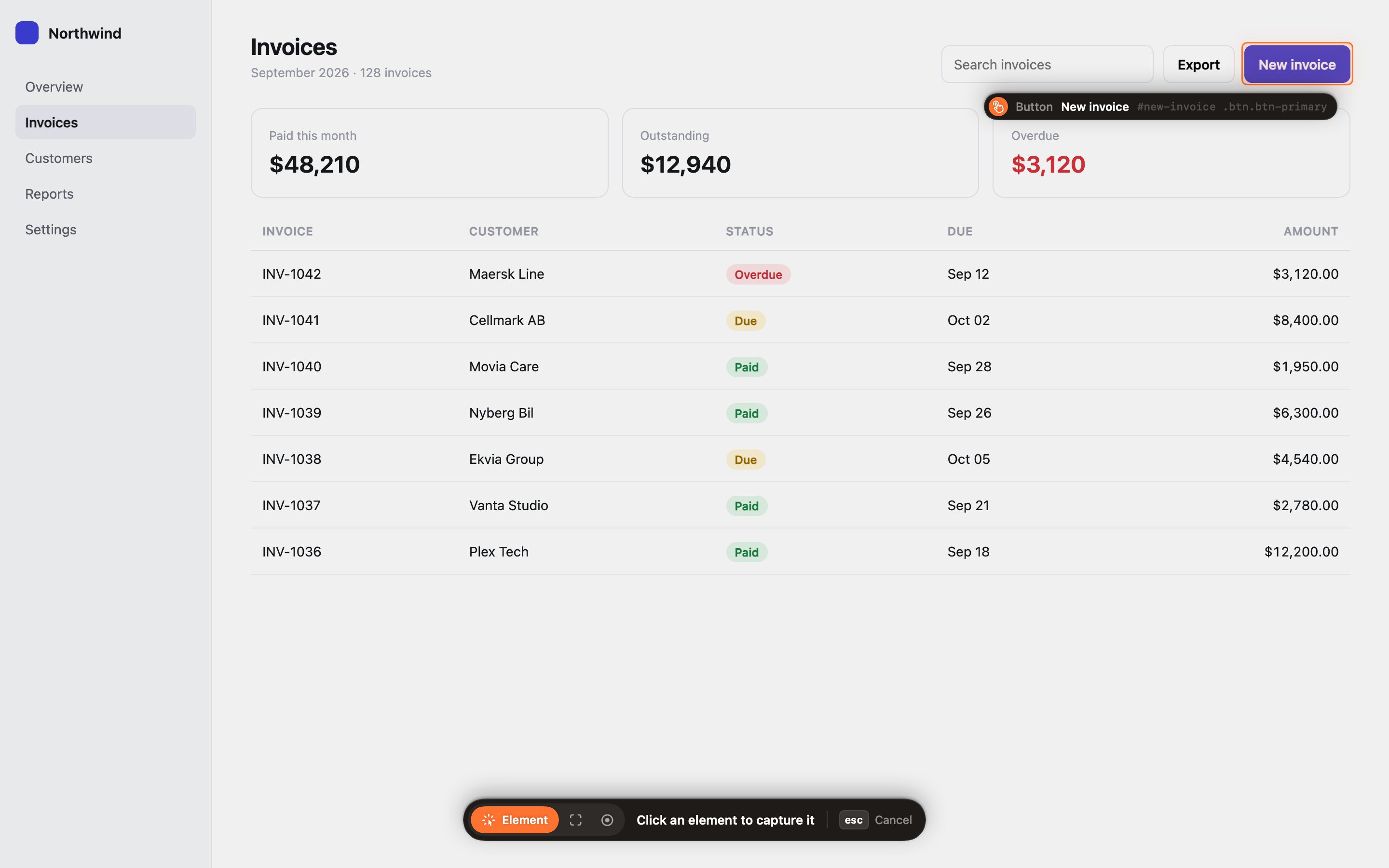
When you build with an agent, the hard part is often saying which thing you mean. “The blue button at the top” can match five buttons, and you may not know what the button is called in the code. Clipframes copies a short reference with a screenshot and the element's name in the code, and you paste that into your agent.
It works in every app on your Mac: your web app in Chrome or Safari, desktop apps built with Electron or Tauri, and native Mac apps. You don't add anything to your project.
Point at one thing
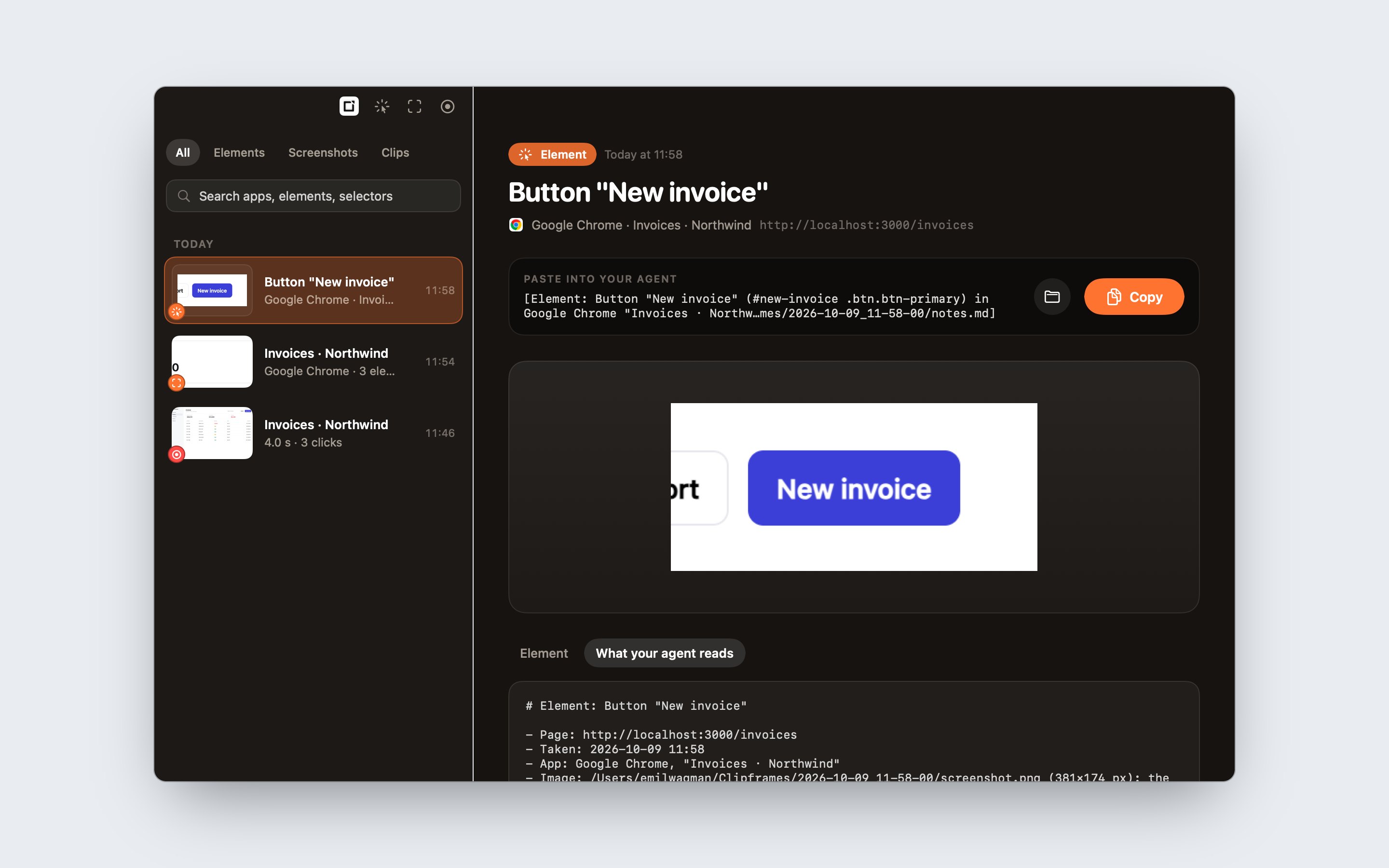
Press ⌃⇧Space from any app to open the Clipframes bar, then press 1 for Element and click a button, a card or a menu. In a browser, Clipframes reads the name the code uses for it, its id and classes, so the agent can find it in your project. This is what lands on your clipboard:
[Element: Button "New invoice" (#new-invoice .btn-primary) in Chrome "Invoices". Read ~/Clipframes/2026-10-07_11-42-30/notes.md]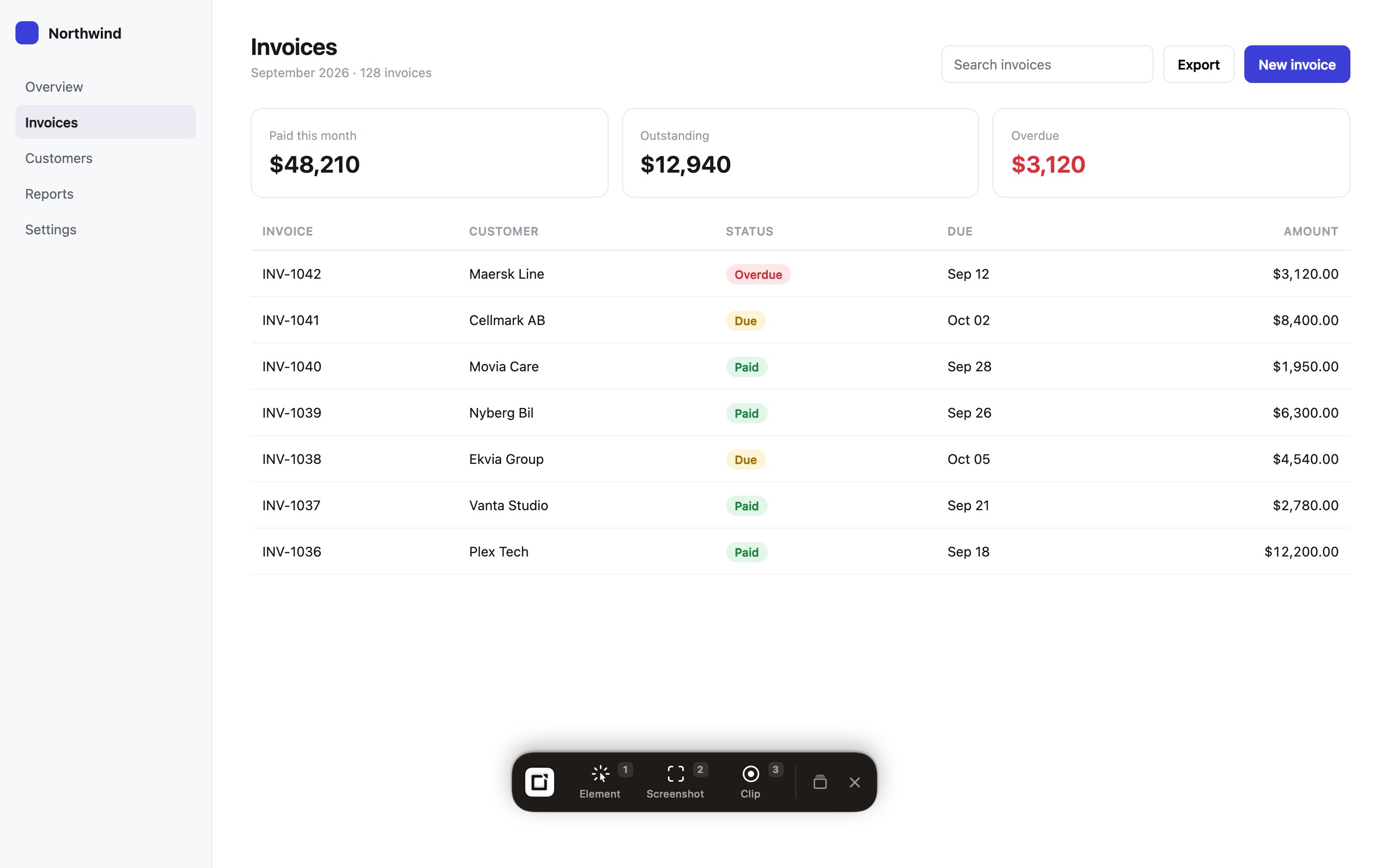
Show an area
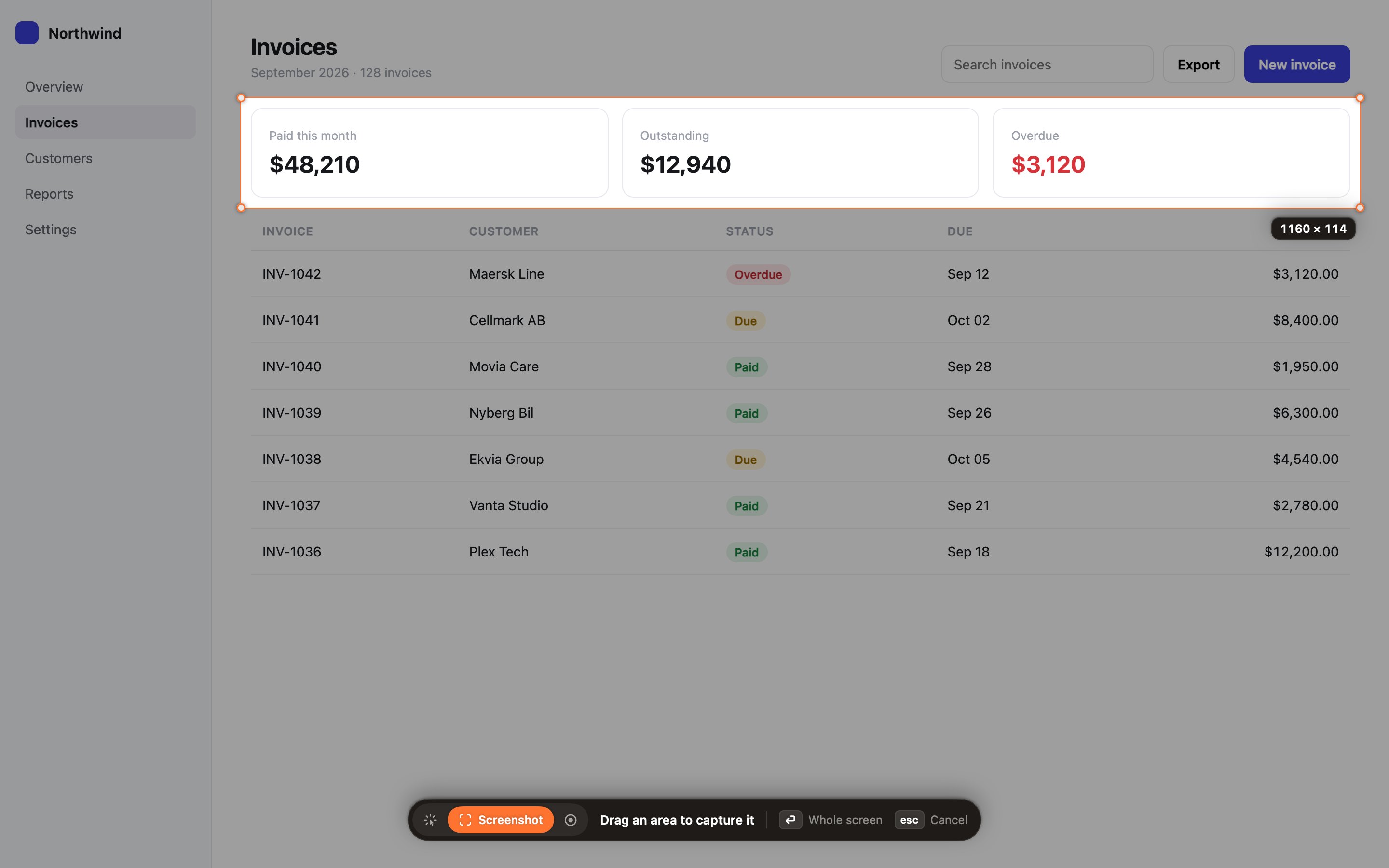
Press 2 and drag over part of the screen. Clipframes saves the picture and lists the things inside it, so the agent knows which parts you mean. Every capture is kept in the library, ready to copy again.
Show what happens
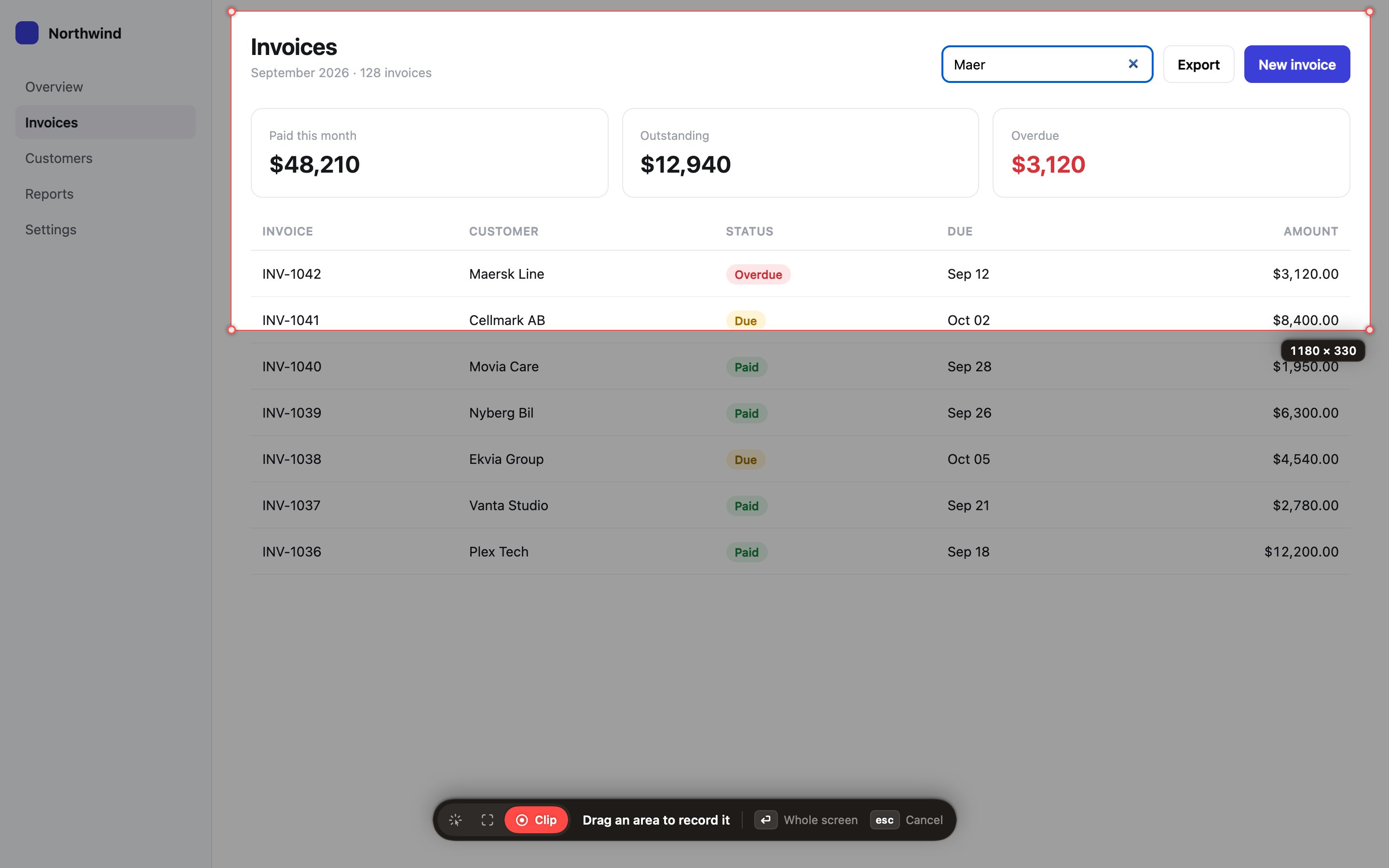
Some problems only show up when you click around: a menu that opens in the wrong place, or a button that does nothing. Press 3, do the thing, and press ⌃⇧Space to stop. The agent gets the video, a set of frames and a list of every click.
Then paste it
Every capture puts one line on your clipboard. Paste it into Claude Code or Codex and say what you want changed. The agent opens the notes file and sees what you saw.
Try it on this page
Once Clipframes is installed, press ⌃⇧Space, then 1, and click one of these. Then paste somewhere to see what your agent would get.
Your captures stay on your Mac
Each capture is a folder in ~/Clipframes with the screenshot, any video and frames, and the notes.md your agent reads. Nothing is uploaded.
Clipframes goes online only to check for updates, and it installs them for you. You can turn that off in Settings.
Questions
How is this different from Agentation?
Agentation is a toolbar you install in a React web app, and it works inside that app. Clipframes runs on your Mac, so it works in every app without adding anything to your project, and it can also record clips.
Which apps does it read?
In browsers and most desktop apps, Clipframes reads the element's real name. In apps that draw their own interface, like some terminals and canvas apps, it reads the text near where you clicked instead.
What does it need?
macOS 15 or later, on Apple Silicon or Intel. On first launch it asks for Screen Recording, to take screenshots and clips, and Accessibility, to read which element you pointed at.
Can I see the code?
The source is on GitHub.